Reporting a Deer Through Louisiana’s App
There’s nothing quite like the rush of a successful deer hunt in Louisiana, but that feeling can quickly turn to a mild panic when you remember the next step: reporting your harvest. In the past, this often meant a trip to a local check station or a mad dash to find cell service for a phone call. Thankfully, the Louisiana Department of Wildlife and Fisheries (LDWF) has streamlined this process significantly with the Louisiana Outdoors App, making it easier than ever to log your deer and stay compliant. This guide will walk you through everything you need to know to report your deer confidently and correctly through the app.
Why Deer Reporting Matters for Louisiana Wildlife Management
Before we dive into the "how-to," let's quickly touch on the "why." You might sometimes feel like reporting is just another hoop to jump through, but it's actually a crucial part of responsible wildlife management in Louisiana. Every single deer harvest reported provides valuable data that helps the LDWF make informed decisions about season lengths, bag limits, and conservation efforts across the state.
Wildlife Management Insights
Think of each reported deer as a data point in a much larger scientific study. When you report the species, sex, and antler characteristics of your harvest, you're contributing to a massive dataset that biologists analyze. This information helps them gauge the overall health of the deer herd, understand population trends, and identify areas where deer numbers might be too high or too low. For instance, if hunters consistently report a high number of young bucks with small antlers in a particular area, it could signal issues with herd age structure or habitat quality. Without accurate reporting, the LDWF would be flying blind, making it much harder to ensure the long-term sustainability of Louisiana's deer populations. This kind of data is essential for managing species like White-Tailed Deer Across Louisiana.
License Compliance and Bag Limits
Beyond scientific data, reporting your harvest is a legal requirement tied directly to your hunting license. Each hunter is allotted a specific number of deer tags, and reporting a harvest removes a tag from your total, ensuring you stay within the legal bag limits. Failing to report a deer isn't just a paperwork oversight; it's a violation of hunting regulations. It’s also how the state keeps tabs on who is hunting and what they are harvesting, maintaining fairness and preventing over-harvesting that could negatively impact future hunting opportunities. Understanding Louisiana Deer Reporting Requirements is fundamental to ethical and legal hunting.
Getting Started with the Louisiana Outdoors App
The Louisiana Outdoors App is designed to be user-friendly, but like any new technology, there's a small learning curve. The good news is that once you're set up, it's incredibly intuitive. Many hunters use a combination of digital tools like the Louisiana Outdoors App and platforms such as GoHunt for scouting and planning, making their hunting experience more efficient.
Downloading and Installation
The first step is to get the app onto your phone. It's available for both iOS (Apple App Store) and Android (Google Play Store) devices. Just open your phone's app store, search for "Louisiana Outdoors," and look for the official LDWF logo. It's a free download, so you don't have to worry about any hidden costs. Make sure you download the official app from the LDWF to ensure you're using the correct platform for reporting. Installing it when you have good Wi-Fi is always a good idea, as it can be a larger file size than you might expect, especially with updates. Having it on your phone before you head out to camp means you won't be scrambling for service when it matters most.
Account Setup and License Linking
Once the app is installed, you'll need to create an account or link an existing one. If you've ever purchased a license online through the LDWF website, you likely already have a customer ID. You'll use this, along with your date of birth and last name, to log in. If you're a first-time user, you'll go through a quick registration process.
The critical step here is linking your hunting licenses and tags. The app needs to know which licenses you hold (e.g., Louisiana Resident Hunting License Options, deer tags, etc.) so it can accurately process your harvest report. This process usually happens automatically once you log in with your customer ID, pulling your current license information directly from the LDWF database. Always double-check that your active licenses and available deer tags are correctly displayed within the app. If you plan on doing some Bowhunting Louisiana's Long Archery Season or hunting during primitive firearms season, ensuring your tags are linked is critical.
Step-by-Step Guide to Reporting Your Harvest
So, you've successfully harvested a deer! Congratulations! Now, let's get it reported correctly. The app makes this process relatively straightforward, but paying attention to details is key.
Initiating a New Harvest Report
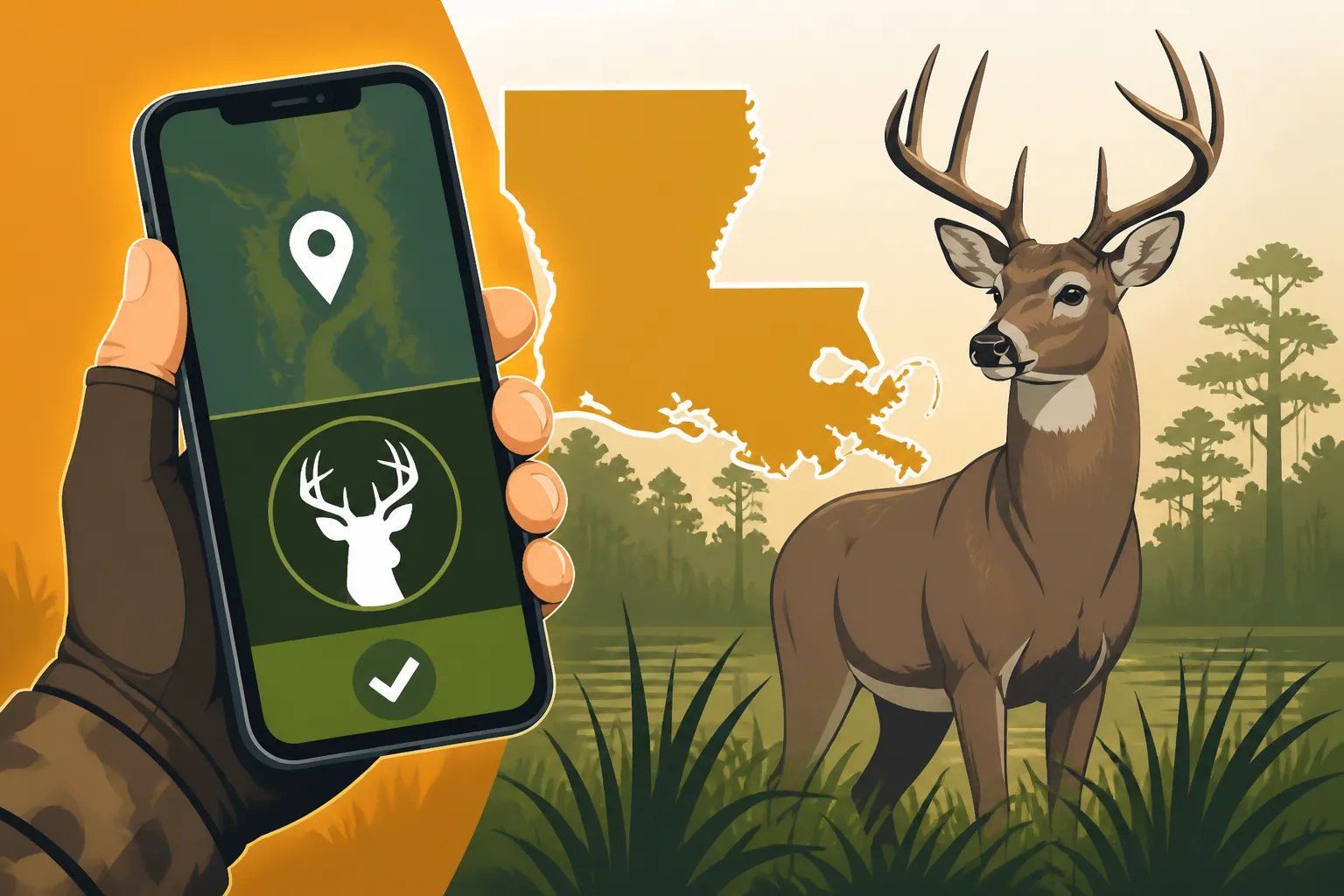
Once you've field-dressed your deer and you're ready to report, open the Louisiana Outdoors App. You'll usually see a prominent button or menu option labeled "Report Harvest" or "Deer Reporting." Tap on this. The app will then guide you through a series of screens where you'll input the required information. It's designed to be a linear process, prompting you for one piece of information at a time. Be prepared to provide details about the location, date, and time of your harvest. Many hunters also appreciate other digital tools like GoHunt for their mapping capabilities, which can help pinpoint exact locations, making reporting even more precise.
Entering Deer Details
This is where you provide the specifics about the deer you harvested. You'll be asked to select:
- Species: For deer, this will typically be "White-tailed Deer."
- Sex: Buck or Doe.
- Antler Points: If it's a buck, you'll need to count the points. Only count points that are at least one inch long. If it's an antlerless deer, simply select "Antlerless" or "Doe."
- Harvest Method: Archery, Primitive Firearm, or Modern Firearm. Make sure you select the correct method to align with your hunting activity, especially if you're taking part in Primitive Firearms Deer Hunting in Louisiana.
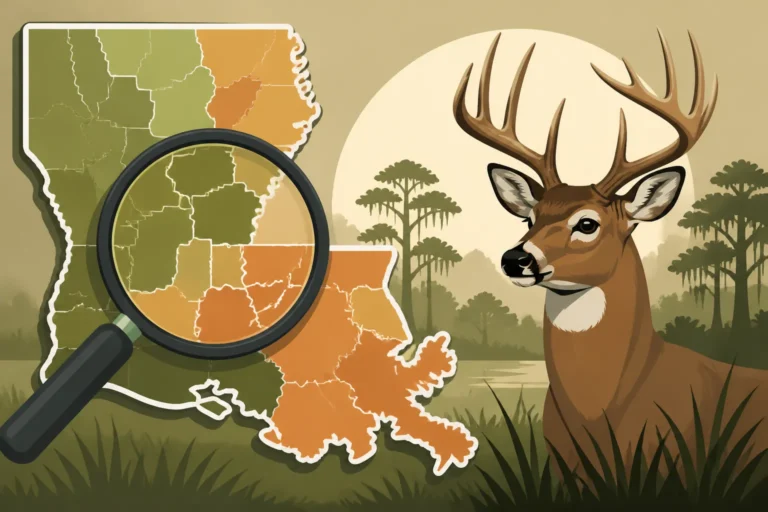
- Parish and Deer Area: The app will prompt you to select the parish where the harvest occurred. It might also automatically display the corresponding deer area (Finding Which Deer Area Your Parish Sits In) based on your parish selection. This is crucial for accurate data collection as different areas have different management strategies.
- Date and Time: Input the exact date and time of the harvest.
- Public or Private Land: Indicate whether you harvested the deer on private property or public land, such as a Wildlife Management Area (WMA). This distinction is important for LDWF data.
Take your time and double-check all entries. An incorrect report can lead to complications, so accuracy is paramount.
| Reporting Field | Required Information | Notes |
|---|---|---|
| Species | White-tailed Deer | Self-explanatory. |
| Sex | Buck / Doe | Choose based on the deer's biological sex. |
| Antler Points | Number of points (bucks) / Antlerless (does) | Count only points at least 1 inch long for bucks. |
| Harvest Method | Archery, Primitive Firearm, Modern Firearm | Must match the weapon used. |
| Parish | Parish of harvest | Select from a dropdown list. |
| Deer Area | Corresponding Deer Area | Often auto-populates once Parish is selected. |
| Date | Exact date of harvest | |
| Time | Exact time of harvest | |
| Land Type | Public / Private |
Confirmation and Record Keeping
After entering all the details, the app will usually present a summary screen for you to review. This is your last chance to catch any errors before submission. Once you confirm, the app will process your report. You'll typically receive a confirmation number and the app will update your license information, showing one less deer tag available. It’s a good practice to screenshot this confirmation screen or write down the confirmation number for your records. This serves as proof that you've fulfilled your reporting obligation, which can be useful if any questions arise later. Your official harvest record will also be updated and you can often view your past harvests through the app or by Checking a Louisiana Deer Harvest Online.
Troubleshooting Common App Issues
Even with the best technology, sometimes things don't go as smoothly as planned. Here are a few common issues hunters encounter with the Louisiana Outdoors App and how to address them.
Connectivity Problems in Remote Areas
This is perhaps the most frequent headache for hunters. Louisiana's beautiful hunting grounds, particularly deep in the Atchafalaya Basin Swamp Deer or parts of Kisatchie National Forest Hunting, aren't always known for their robust cell service. You might find yourself with a harvested deer and no signal to report it.
The good news is that the app is often designed to work offline to a certain extent. You can usually initiate the report and fill out all the details even without service. The app will then "queue" the report and automatically submit it the moment your phone regains connectivity. So, don't panic if you can't submit right away. Just fill out the information, save it, and it should go through once you drive into an area with service or get back to camp with Wi-Fi.
However, if you're experiencing prolonged connectivity issues, or if for any reason the offline feature isn't working as expected, it's wise to have an alternative plan. The LDWF understands these challenges, which is why other reporting methods still exist. Never delay reporting for more than 24 hours, even if it means using another method.
Incorrect Data Entry or System Glitches
Nobody's perfect, and sometimes you might realize you made a mistake in your report – maybe you miscounted points, or selected the wrong parish. While the app tries to prevent errors with confirmation screens, glitches can also occur.
If you submit an incorrect report, don't just leave it. Contact the LDWF immediately. They have staff dedicated to handling these types of issues and can guide you through the process of correcting your harvest record. Providing your confirmation number (which you hopefully wrote down or screenshotted) will significantly speed up this process. Don't try to submit a duplicate or a "corrected" report yourself, as this can further complicate your record. When you have questions about specific rules, remember that resources like the Louisiana Hunter Education Requirements often cover proper reporting.
Beyond the App: Other Reporting Methods and Important Considerations
While the app is the most convenient method for most, it's not the only way to report, and there are other vital considerations for deer harvested in Louisiana.
Alternative Reporting When the App Isn't an Option
Even with the Louisiana Outdoors App and other advanced mapping and planning tools like GoHunt, sometimes a digital solution just isn't feasible or preferable. If you can't use the app for any reason (e.g., phone battery dead, no service, app not working, or simply prefer another method), you still have options to report your deer harvest:
- Online via the LDWF Website: You can log into your LDWF account on their official website (www.wlf.louisiana.gov) and find the harvest reporting section there. This is essentially the desktop version of the app's reporting function and requires internet access. This is a great backup if your phone is out of commission but you can access a computer.
- By Phone: The LDWF also provides a phone number for harvest reporting. This is a good option if you have cell service but can't use the app or website. You'll typically need your customer ID and all the harvest details ready when you call.
- Physical Check Stations: While less common now, some areas, especially WMAs, might still have designated physical check stations or drop-off points. Always verify current operating procedures for specific WMAs before relying on this method, as they are being phased out in favor of digital reporting.
Regardless of the method, remember that the legal requirement is to report your deer within 24 hours of harvest. Plan ahead and know your options before you head into the field.
CWD Zone Considerations
Louisiana is facing a growing challenge with Chronic Wasting Disease (CWD), and this has significant implications for deer harvest reporting and carcass handling. If you hunt in an area designated as a CWD Management Zone, there are additional rules you must follow.
Currently, Louisiana has specific parishes and areas identified as CWD Management Zones, notably driven by cases found in Why Tensas Parish Drives Louisiana's CWD Count. If you harvest a deer within one of these zones, it's not just about reporting it through the app; you also have mandatory CWD testing requirements and carcass movement restrictions. You can find up-to-date information on Louisiana's New CWD Management Zone Law on the LDWF website.
Generally, this means:
- Mandatory Testing: You may be required to submit your deer's head for CWD testing at an LDWF sampling station. The app itself might prompt you for this, or you'll need to locate a station using the LDWF website or Scouting With the LDWF App.
- Carcass Movement Restrictions: There are strict rules about moving deer carcasses out of a CWD Management Zone. Typically, only deboned meat, clean antlers, hides, and taxidermy-ready heads are allowed to leave the zone. This is to prevent the spread of CWD to other parts of the state.
Always check the latest LDWF regulations regarding CWD zones before you hunt, especially if you're planning on Hunting the Tensas River Basin. Understanding and adhering to these rules is critical for the health of Louisiana's deer herd and the future of hunting in the state. Proper handling of venison from these areas is also crucial, as detailed in Handling Venison From a CWD Management Zone.
Disclaimer
This guide is intended for informational purposes only and is based on general Louisiana hunting regulations. Hunting laws and regulations can change, and it is the hunter's responsibility to review the most current rules and regulations published by the Louisiana Department of Wildlife and Fisheries (LDWF) before engaging in any hunting activities. Always consult the official LDWF hunting digest or website for the most accurate and up-to-date information.